Only Dots Visible
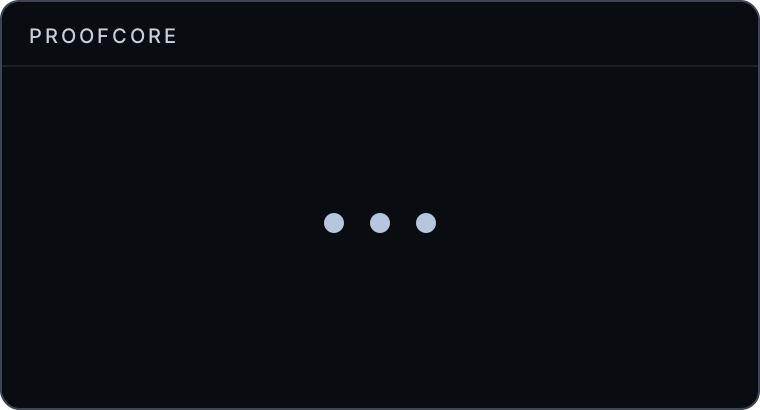
If the loader only displays dots and doesn't continue to load, or if it fails to connect before or after login, follow these steps.
Synchronization and Connection Fixes
Check and Sync System Time
The loader requires your system time to be accurately synchronized.
- Open your Windows Date and time settings.
- Ensure Set time automatically is enabled.
- Click the Sync now button to force a time synchronization with the internet.
Disconnect from VPN
If you are connected to a VPN, disconnect from it entirely and try running the loader again. Some VPN services block the necessary connection ports.
Restart Network Hardware
Restarting your PC and network hardware can resolve temporary routing issues.
- Restart your PC.
- Restart your modem/router. Unplug the power for 60 seconds before plugging it back in.
Use 1.1.1.1 VPN
Use the 1.1.1.1 VPN during the login procedure. Once you have successfully injected the cheat, you may turn it off.
- Download: https://one.one.one.one/
Check for Downtime
The servers may be offline for maintenance or an unexpected update.
- Check the Proofcore Discord
#announcementschannel to see if there are currently any scheduled or unexpected downtimes.