Data coherency exception
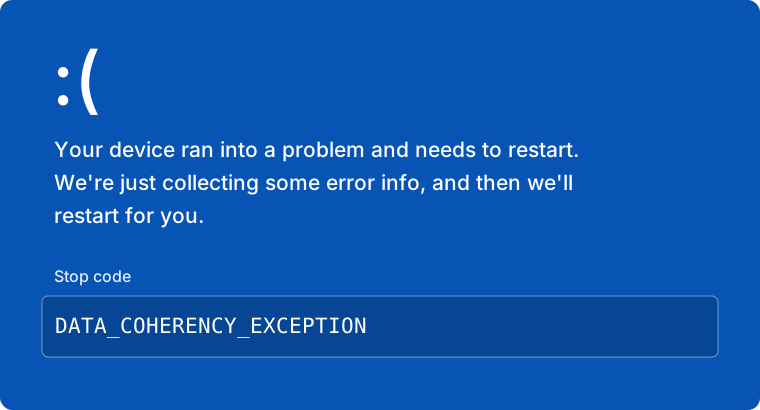
If you encounter the DATA_COHERENCY_EXCEPTION error, it indicates that a recently installed Windows Update is conflicting with the loader. To resolve this, you must uninstall the latest update.
How to Uninstall Updates
Open Windows Update
Press WIN + I on your keyboard to open Settings, then click on Windows Update (or Update & Security on Windows 10).
Access Update History
Click on Update history (sometimes labeled as "View update history").
Select Uninstall
Scroll down to the bottom of the list and click on Uninstall updates.
Remove the Update
A list of installed updates will appear.
- Sort the list by Date Installed to find the most recent one.
- Right-click the top entry under "Microsoft Windows".
- Select Uninstall.
After the uninstallation finishes, you must restart your PC for the changes to apply.