Critical Error 15269890
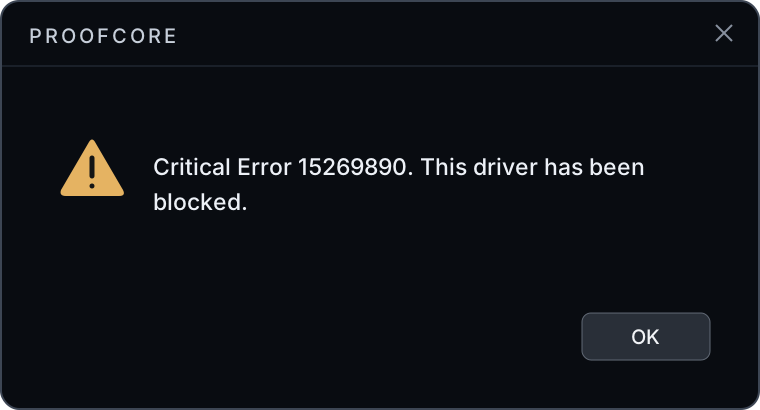
If you receive Critical Error 15269890 (also known as "This driver has been blocked") when attempting to run the loader, it means Windows is blocking the required driver from loading.
Cause
Blocked Windows Driver Policy
Windows is enforcing a driver-blocking policy that prevents our driver from loading. The Driver Unblock tool removes only these specific policy files so the driver can load again.
Solution
To resolve this issue, you must run the Driver Unblock tool to remove the blocking policy files.
Download the File
Download the Driver Unblock tool to your Desktop.
Download Driver Unblock
Click here to download the Driver Unblock tool.
Run as Administrator
Right-click the file and select Run as administrator.
Press Option [2]
Press option [2] to apply the removal.
Secure Boot: If Secure Boot is enabled, it will be displayed. Disable Secure Boot in your BIOS, then run option [2] again.
BitLocker: If BitLocker encryption is enabled, you must disable it before continuing.
Wait for Completion
Let the tool complete. It will display a success/failure output when it finishes.
Close and Delete the File
Close the tool and delete the file from your Desktop.
Restart Your PC
Restart your PC and try the loader again.