Attempted execute of nonexecute memory
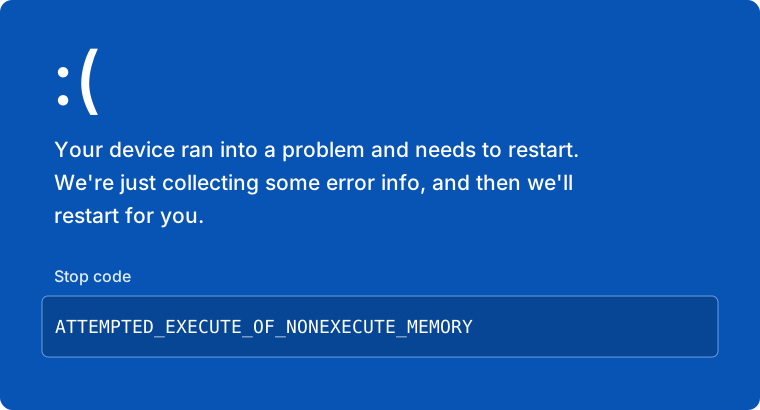
If you encounter a Blue Screen of Death (BSOD) or crash with the stop code ATTEMPTED_EXECUTE_OF_NONEXECUTE_MEMORY, it means specific security features are preventing the cheat from functioning.
Cause
Virtualization Interference
This error is caused by Windows Virtualization-Based Security (VBS) or Memory Integrity. To run the cheat, you must disable these protections so the loader can inject properly.
Solution
To resolve this, you must disable virtualization-based security features in both Windows and your BIOS.
Disable Core Isolation (Windows)
- Open your Windows Start Menu and search for "Core Isolation".
- Click on the system setting result (it may also be listed under Device Security).
- Find the toggle for Memory Integrity and turn it OFF.
- Restart your computer if prompted.
Disable Virtualization (BIOS)
You must enter your BIOS to disable hardware virtualization.
- Restart your PC and spam your BIOS key (usually
DEL,F2, orF10). - Navigate to CPU Configuration or Advanced settings.
- Find the virtualization setting and set it to Disabled.
Common BIOS Names:
- Intel: Intel Virtualization Technology, VT-x, VT-d
- AMD: SVM Mode, AMD-V
After disabling these settings, ensure you Restart your PC completely before attempting to inject the cheat again.